


App: RouteTracker: Hike, Bike, Run
Publisher: HayanNamuApps
App Store ID: 6776908209
Play package: com.hayannamuapps.route_tracker
RouteTracker Reviewer Kit
Verifiable product facts, a review workflow, privacy and platform limitations, and original screenshots for independent evaluation and accurate coverage.
30-second product brief
RouteTracker is a phone app centered on personal route history, completed-activity review, record protection, and preparation for the next activity.
iPhone App Store: 1.1.274
Google Play: 1.1.274
Verified August 1, 2026
People who want to record hiking, cycling, running, and walking routes as a personal history with GPX files, maps, metrics, and notes.
Core recording starts without account sign-up. Activity data stays on the device until the user chooses backup.
Features and tiers
Basic records the activity, Plus keeps and protects it, and Pro plans and analyzes what comes next.
| Tier | What to evaluate | Requirements |
|---|---|---|
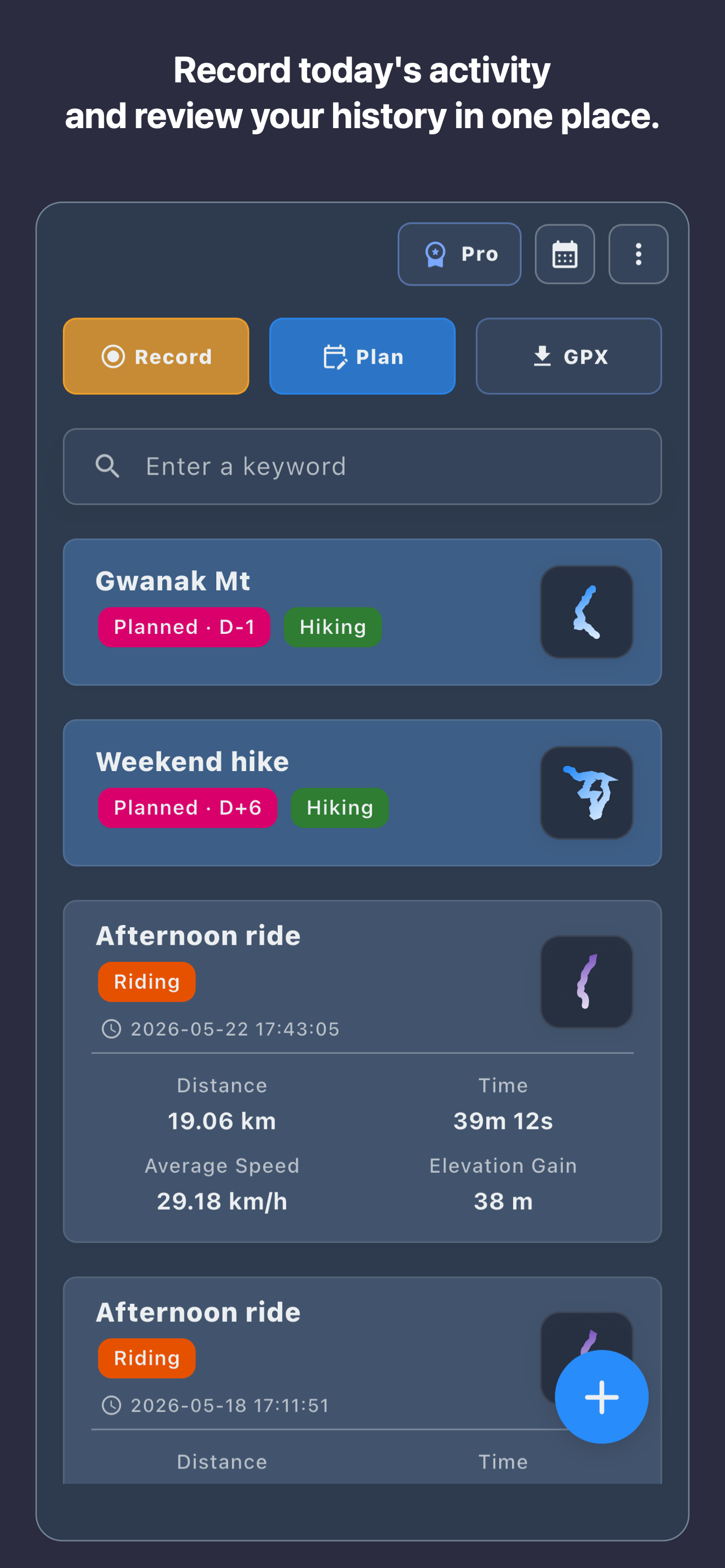
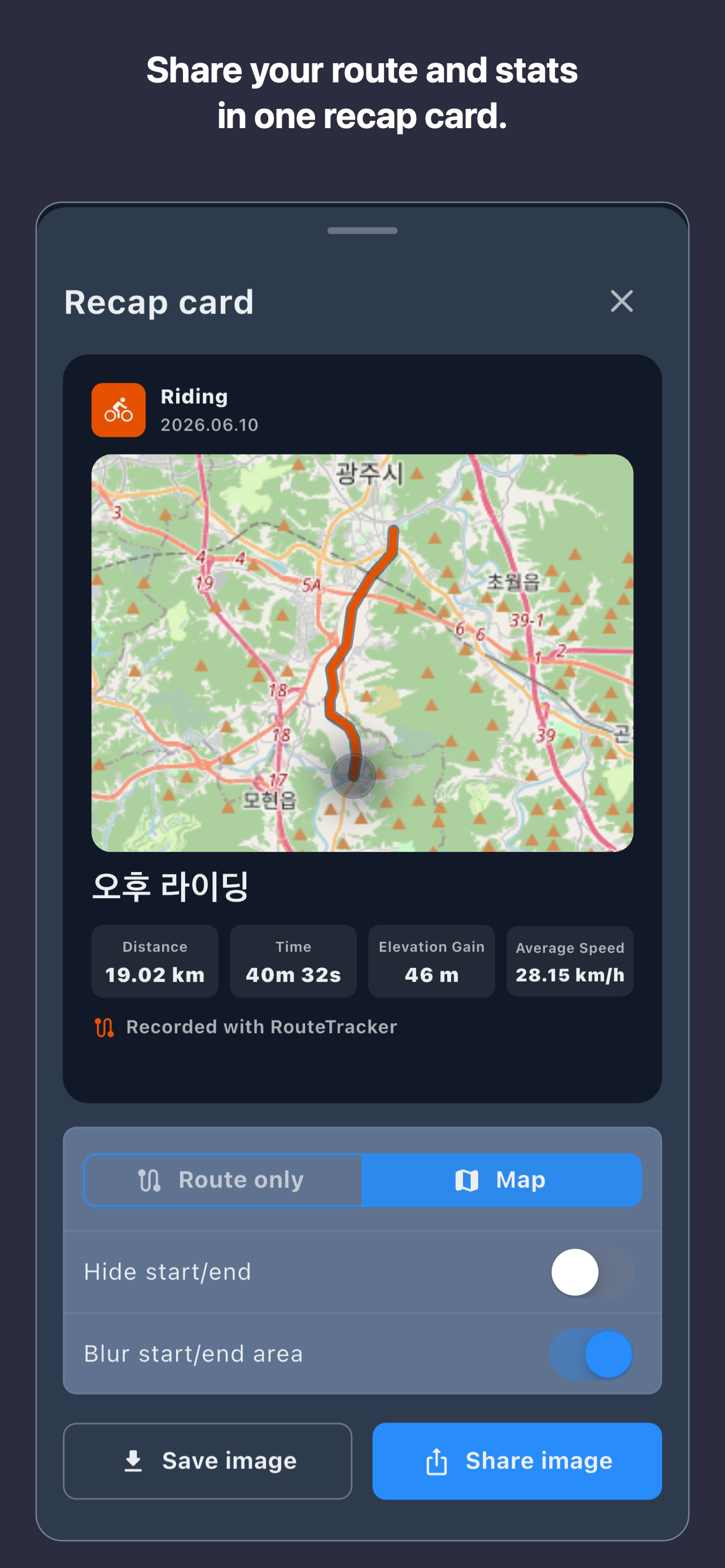
| Basic | Route recording, maps, calendar, core metrics, GPX import/export, completed-route trimming, and recap-card save/share | No separate account for the core workflow |
| Plus | Ad removal, image/PDF/GPX attachments, and user-approved Google Drive snapshot backup/restore | Plus or Pro subscription; Google connection when backup is used |
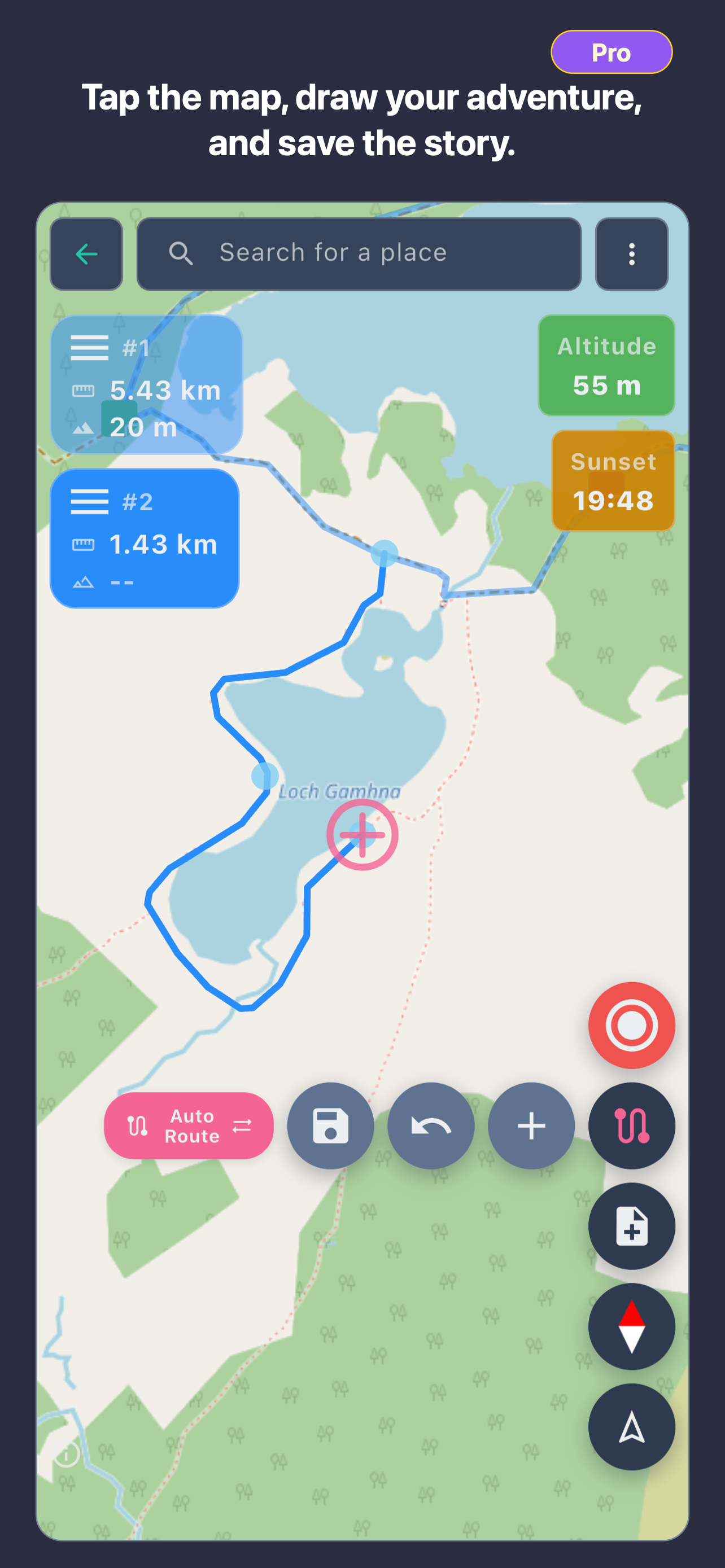
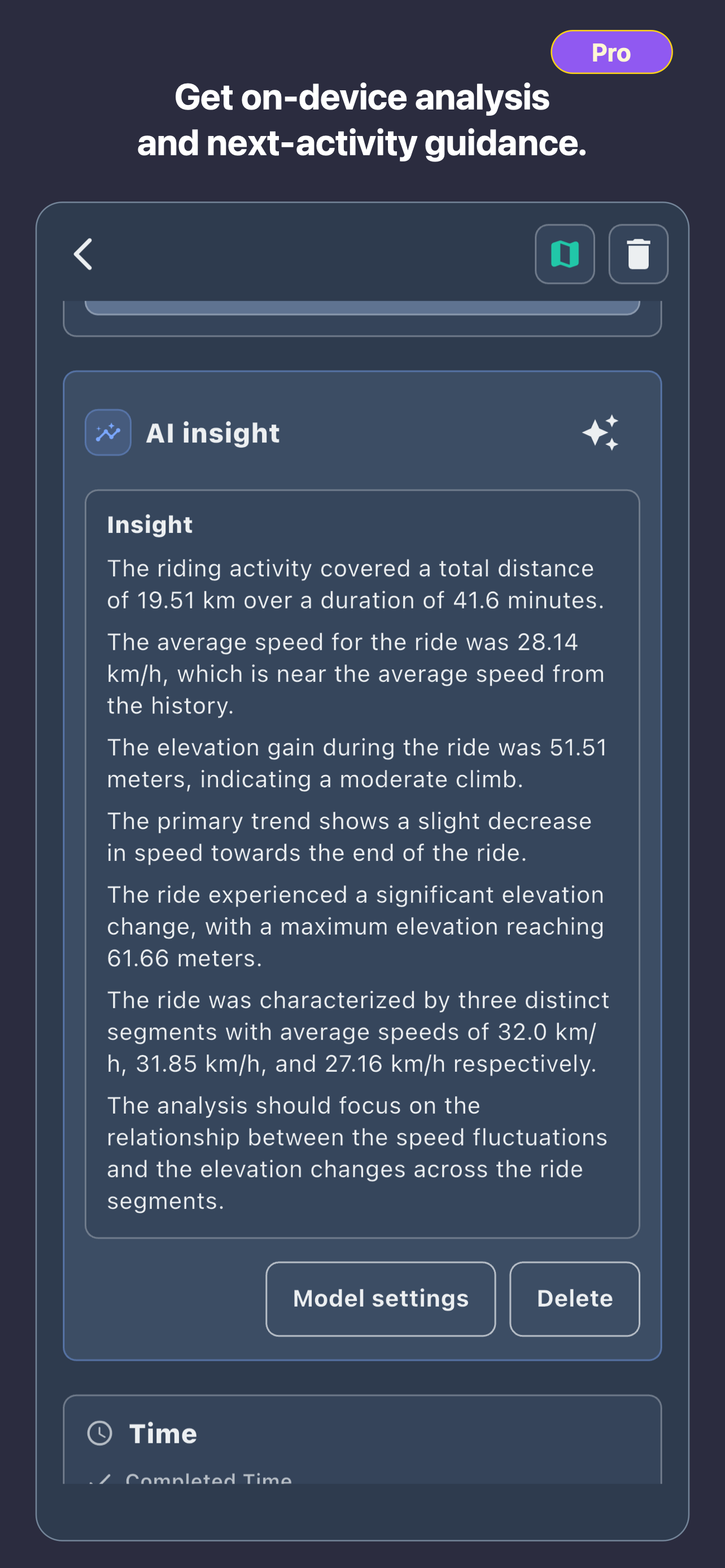
| Pro | All Plus features, route planning, advanced maps and offline cache, repeated-route and split analysis, growth charts, and on-device Local AI insights | Pro subscription; a supported model download for Local AI |
Platform contract
Most product code is shared in Flutter, while health data and store behavior use platform APIs.
| Area | iPhone | Android |
|---|---|---|
| Distribution | App Store for iPhone | Google Play |
| Health data | User-approved Apple Health/HealthKit data | User-approved Health Connect data |
| Core recording | Phone GPS tracking for hiking, cycling, running, and walking | Phone GPS tracking for hiking, cycling, running, and walking |
| Kit scope | Phone apps only. This kit does not claim public Apple Watch or Wear OS support. | |
Suggested evaluation flow
- Review location permission, then start a short outdoor activity.
- Pause and resume, finish normally, and inspect the route map and core metrics.
- Trim the start or end of a completed route, then save or share a recap card.
- Import a GPX route and view it on the map; export a completed activity as GPX.
- Optional: evaluate Plus backup/restore and Pro planning, analysis, and Local AI under their tier and platform requirements.
Field testing recommended
GPS accuracy, background recording, and battery use vary with device, OS settings, buildings, tree cover, weather, and signal conditions. Validate them on a real outdoor route.
Original screenshots
These PNGs are final store assets with paid tiers clearly labeled. They may be used in independent editorial coverage of RouteTracker; keep the UI meaning intact and credit RouteTracker/HayanNamuApps.
Privacy and limitations
Accurate evaluation should describe product boundaries along with strengths.
- RouteTracker does not store the user's location history on its own servers.
- Backup operates within the Google Drive scope the user connects and approves.
- Local AI generation runs on device after model setup; model downloads may contact an external hosting provider.
- Location and health data are used only within the selected feature and approved permission scope.
- RouteTracker is not a medical device, rescue service, or safety guarantee.
- Local AI and activity metrics are references, not guaranteed medical advice, treatment, or coaching.
- It is not centered on a social feed, clubs, or leaderboards.
- Some backup, attachment, planning, analysis, and Local AI features require Plus or Pro.
Contact and fact-checking
Email corrections, interview requests, or requests for additional original assets. Positive coverage or reviews are not required.